
Apple HomeView Recipes: Follow Pro Grill Recipes Hands-Free
Apple's new HomeView can turn a web recipe into step-by-step cooking with timers set for you. Here's how it works, and how our grill recipes are built to work with it.
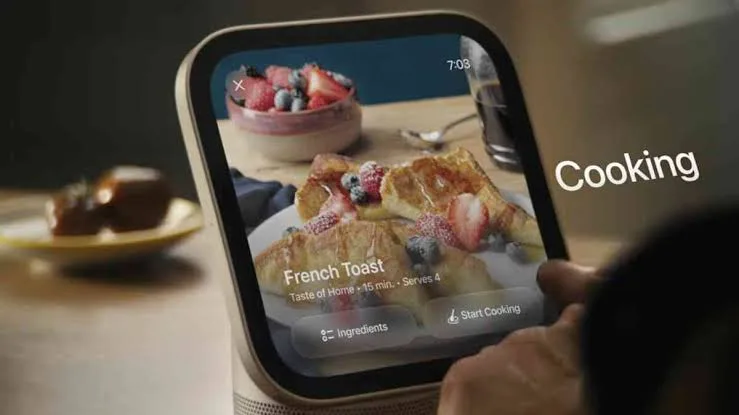
Short answer: Apple's HomeView, the 7-inch kitchen screen that launches November 13, 2026, can take a recipe from the web and turn it into a guided cook: the ingredients pulled into a list, every step on its own screen, and timers it spots in the steps and sets for you. Open a recipe in Safari and tap Start Cooking, or pull it up on your iPhone and hold the phone next to the HomeView to hand it over.
What HomeView does with a recipe
Most of us cook from a phone propped against the backsplash, scrolling with a knuckle so we don't smear barbecue sauce on the screen. HomeView fixes that. Once a recipe is on it, Apple says it:
- Pulls out the ingredients into a list you can track as you go.
- Shows one step at a time in a clean layout, without the ads and life stories.
- Finds the times in each step ("sear 2 minutes a side") and sets the timer for you.
- Runs several timers at once and keeps them on screen while you do other things.
- Lets you control timers hands-free, so your greasy hands never touch the screen.
How to get a recipe onto your HomeView
- From Safari on the HomeView: open the recipe page and tap Start Cooking. It switches to the step-by-step view.
- From your iPhone with Handoff: find the recipe on your phone while you're at the store or on the couch, walk into the kitchen and hold your iPhone next to the HomeView. The recipe moves over.
That second one is the one you'll use most. Plan dinner on your phone, hand it to the kitchen screen, and cook.
Our grill recipes are built for kitchen screens
Every recipe on Pro Grill U is written by grill techs and laid out the way kitchen screens read recipes: a clean ingredient list, short named steps, and real times and temperatures in each step, so timers can be picked up. We'll test them on HomeView the day it comes out and update this page with what we find.
Even without a HomeView, every one of our recipes has a 👨🍳 Cook mode button that works on any phone, iPad or tablet:
- One step at a time in big text, with big Back and Next buttons.
- A ⏱ timer button on every step that mentions a time.
- Tick off ingredients and steps as you go. It remembers where you were.
- 🔊 Read aloud, and the screen stays on while you cook.
- Make ½×, 2× or 3× of the recipe, and a 🛒 shopping list of what you still need.
Free kitchen tools to keep open on the counter
- Grill timer: one-tap timers for burgers, steaks, chicken and resting meat.
- Doneness chart: when to pull every cut off the grill, and how long to rest it.
- Is my grill ready?: a 30-second check of flames, heat, igniter and grease before you cook.
Tips for cooking with a screen at the grill
- Use the timers, then check the temperature. Grill times are a starting point. Wind, thickness and how hot your grill runs all change them. An instant-read thermometer has the final say.
- Start a rest timer too. Steaks need 5 to 10 minutes, roasts and tri-tip 10 to 20. It's the step everyone skips.
- Keep the screen away from the heat. Grills, griddles and pizza ovens throw a lot of heat sideways. Keep tablets and phones a few feet back, out of the sun and the smoke.
- Know when it's the grill, not the recipe. If a recipe keeps coming out uneven, the grill is often the problem: clogged burners, lazy yellow flames or a grease-packed firebox. A deep cleaning usually brings the heat back.
FAQ
Can Apple HomeView read recipes from any website?
Apple says HomeView can turn recipes from the web into step-by-step instructions. Recipe pages with a clear ingredient list and steps, like ours, are the easiest for it to read.
How do I send a recipe from my iPhone to HomeView?
Open the recipe on your iPhone and hold the phone near the HomeView. Handoff moves the recipe over to the kitchen screen.
Does HomeView set cooking timers automatically?
Yes. It recognizes the times in each step and can set them for you, run several at once and keep them on screen while you do other things.
Do I need a HomeView to use Cook mode on Pro Grill recipes?
No. Cook mode works in the browser on any phone, iPad or tablet: big steps, timers, read-aloud, and the screen stays on.
More cooking
See all →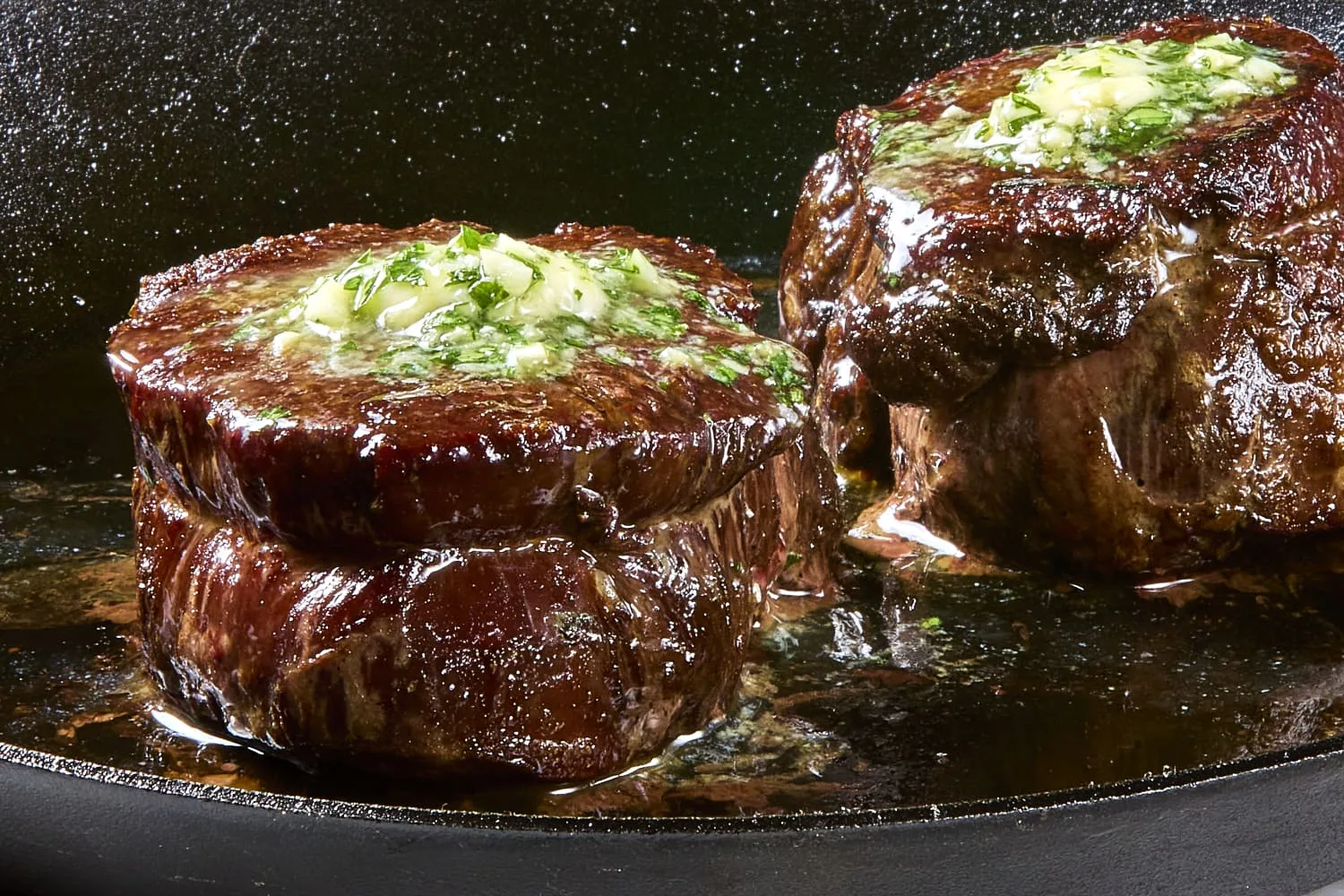
How to Grill a Thick Filet Mignon on a Gas Grill
A 1.5 to 2 inch filet is lean and tender, so it cooks fast and forgives very little. Here is the heat setup, timing and pull temperature we use, from…
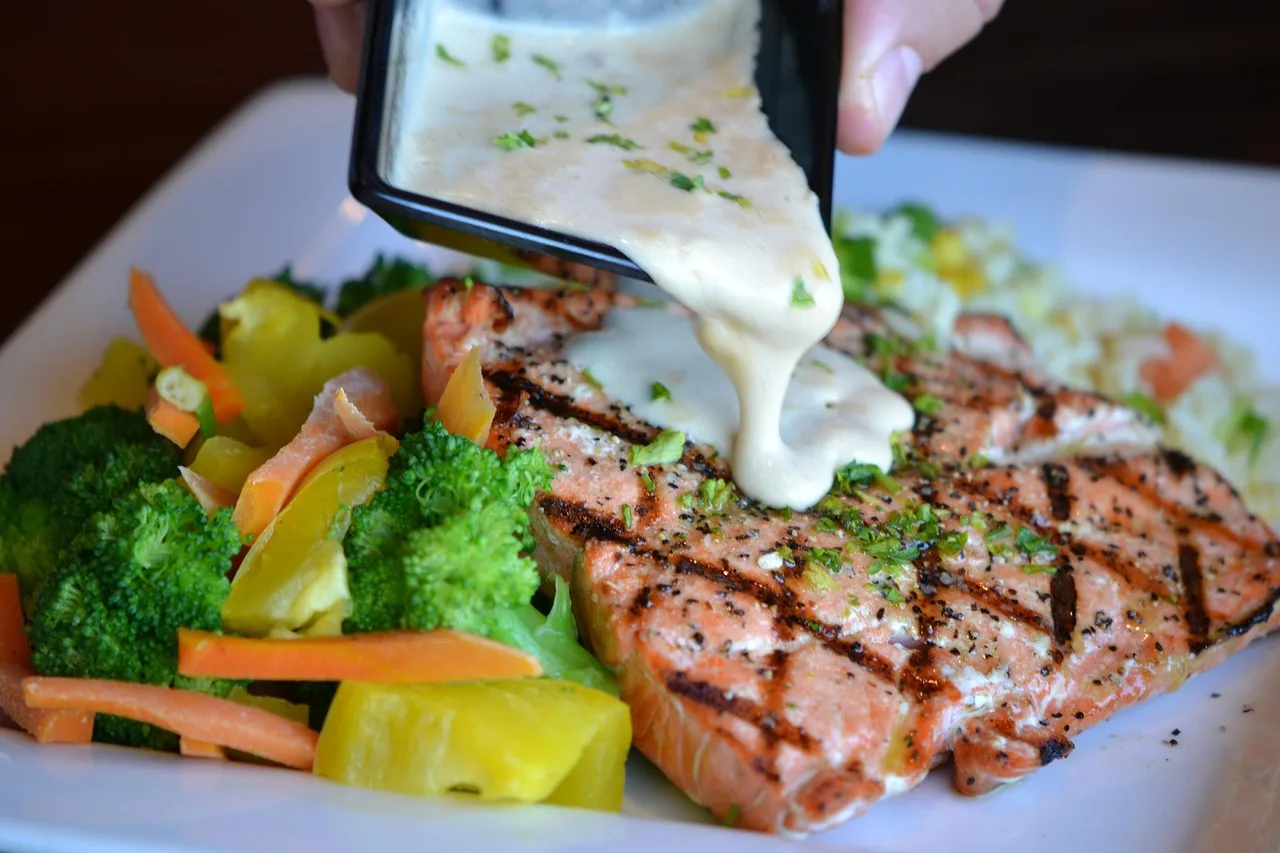
How to Grill Salmon Without It Sticking to the Grates
Salmon sticks for a few simple reasons: dirty grates, a grill that isn't hot enough, not enough oil, or flipping too soon. Here is how a grill tech s…
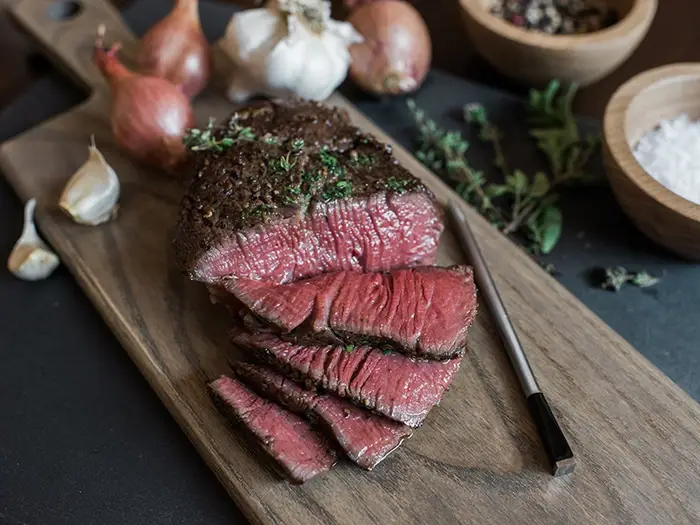
Master the Art of Grilling the Perfect Steak with a Wireless Meat Probe | Pro Grill
How to pick, prep and grill a steak to the doneness you want, using a wireless meat probe to track the internal temperature without lifting the lid.